
Editorial Dashboard
Administrators cannot take care of everything, which is why we have clearly demarcated the editorial part. Editors are responsible for setting up the content pages, navigating the platform, creating news articles and, of course, maintaining the content - also per user group, of course. And this is also reflected in our editorial dashboard. With the help of the practical WYSIWYG editor, you can write your news items and have the finished format displayed directly. Add images, documents and videos and set the publication date for your news items.
Editorial Dashboard
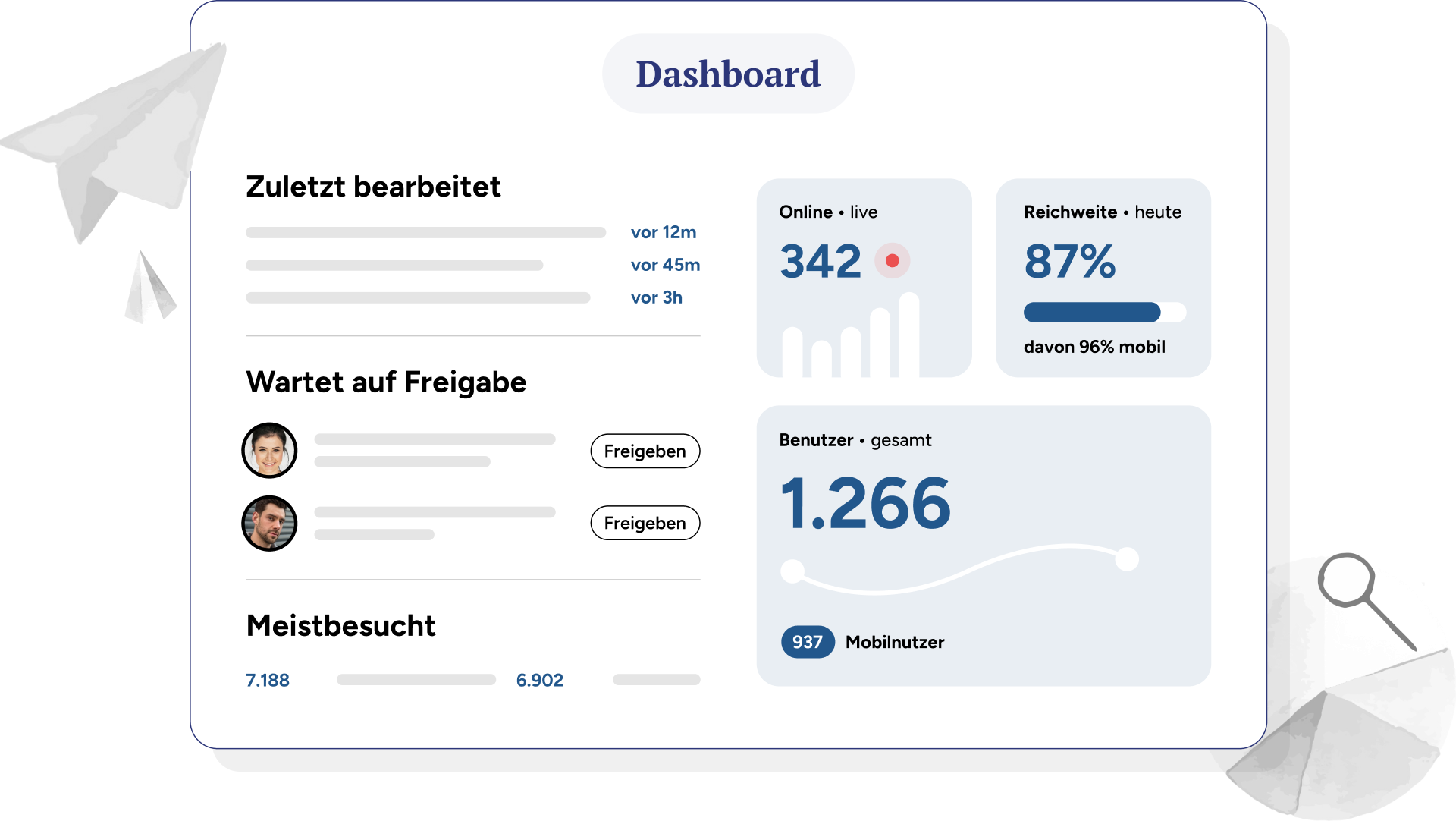
Editors can keep an eye on everything here: Which post is the most popular? How many users do I actually reach? Which articles are still waiting for approval, what will be published on a time-controlled basis this week? One dashboard, no long searches, more time for content.
Editing drafts with colleagues
Quick check: Teams have access to the designs and can work on them together. Because it gets better together.
Approval processes for pages and news
You can define approval processes for both pages and news that automatically forward the draft to the reviewer. This allows the content and wording to be checked once again.
Control of content for target groups
Appointment of editors for target groups Teams, departments, locations - there are many reasons for the targeted management of content for different target groups. A separate editor can also be appointed for each of these target groups to maintain an overview.