Discover XELOS 12
The update has it all: groups, departments, DMS, accessibility - and numerous other features.

The update has it all: groups, departments, DMS, accessibility - and numerous other features.
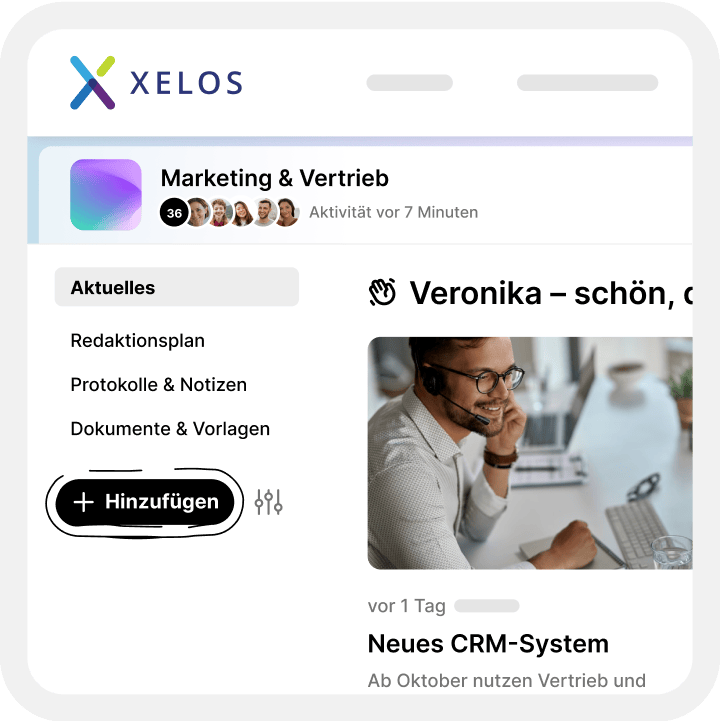
A new approach to group management: everything in one place - quickly organised and always clear.
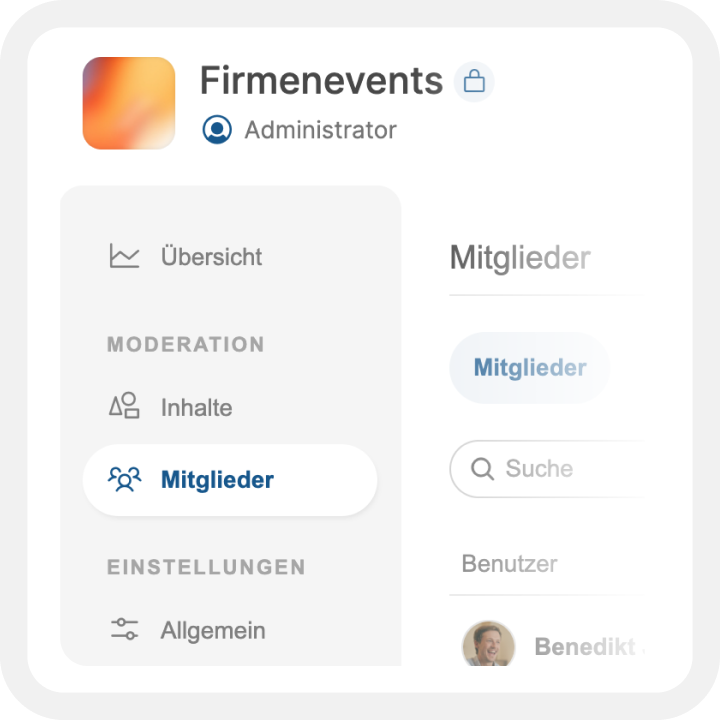
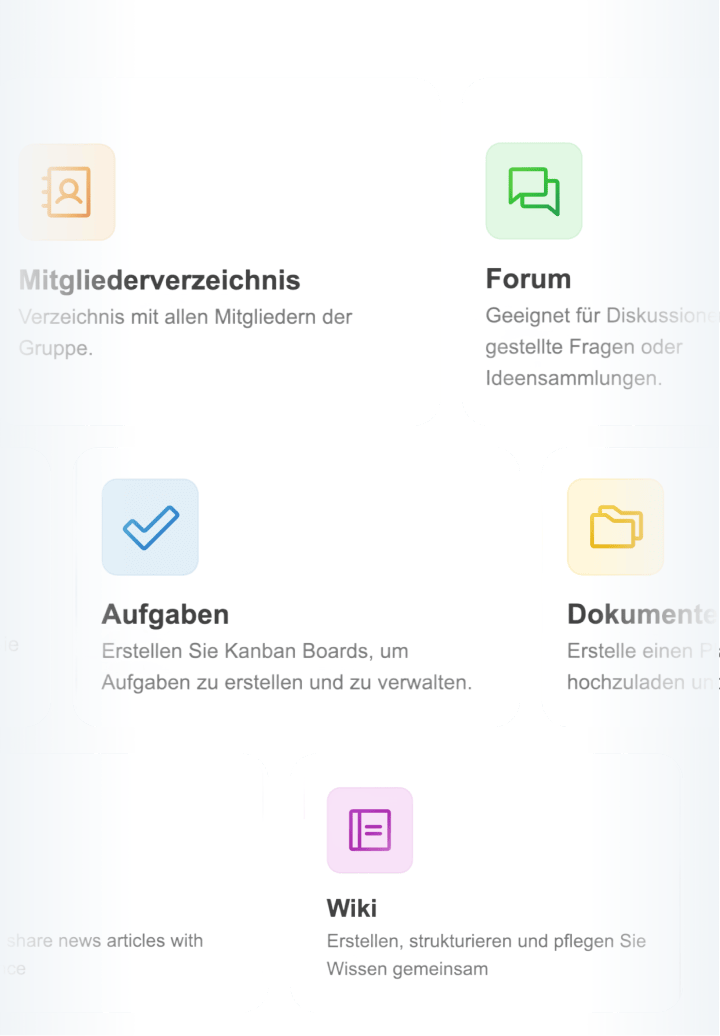
With the revised group function, you can easily create content, add modules such as calendars or DMS as required and retain control at all times thanks to a clear role hierarchy.
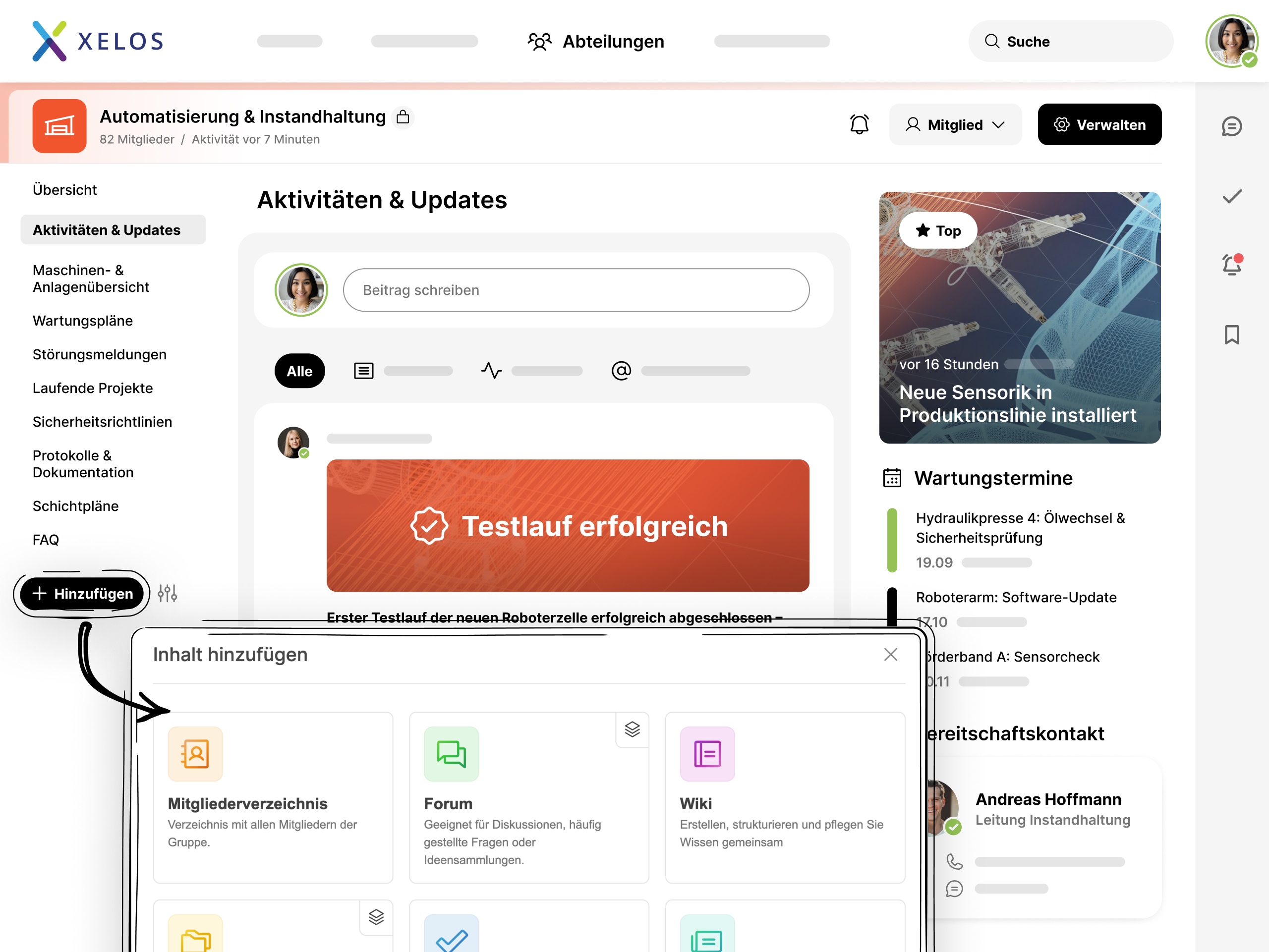
The new dialogue window not only allows you to create groups more quickly, but also to add desired extensions such as a calendar or a DMS at a later date.
It is now possible to add certain modules more than once. For example, several DMS instances are now possible in the same group.
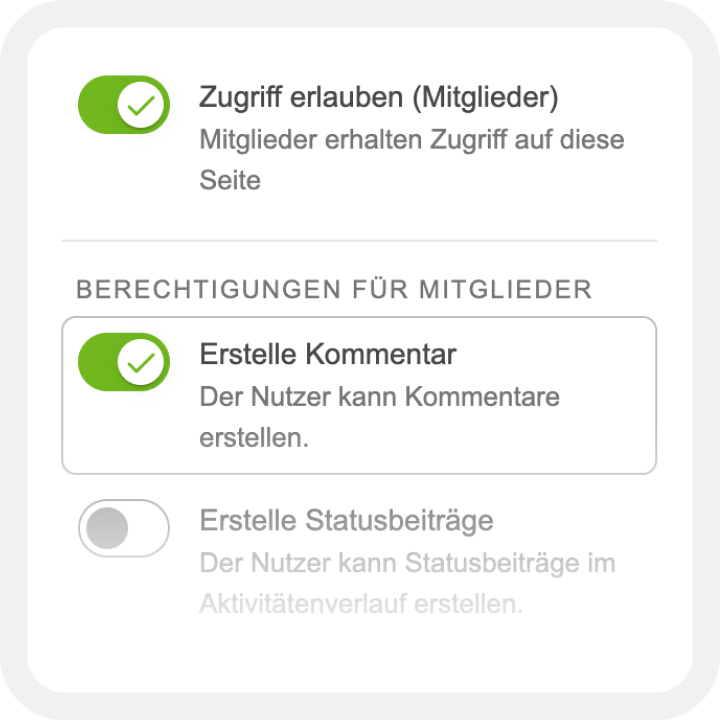
Clear and intuitive allocation of authorisations within the groups with ascending hierarchy.
More flexibility for your content: Groups can now be organised and managed even more efficiently.
In addition to the Pages page editor, groups can now contain any number of pages. Multiple instances of certain pages, such as the DMS, can also be easily used in the same group.
More performance thanks to faster page loading, compact mode for the sidebar and parallel content and layout blocks.
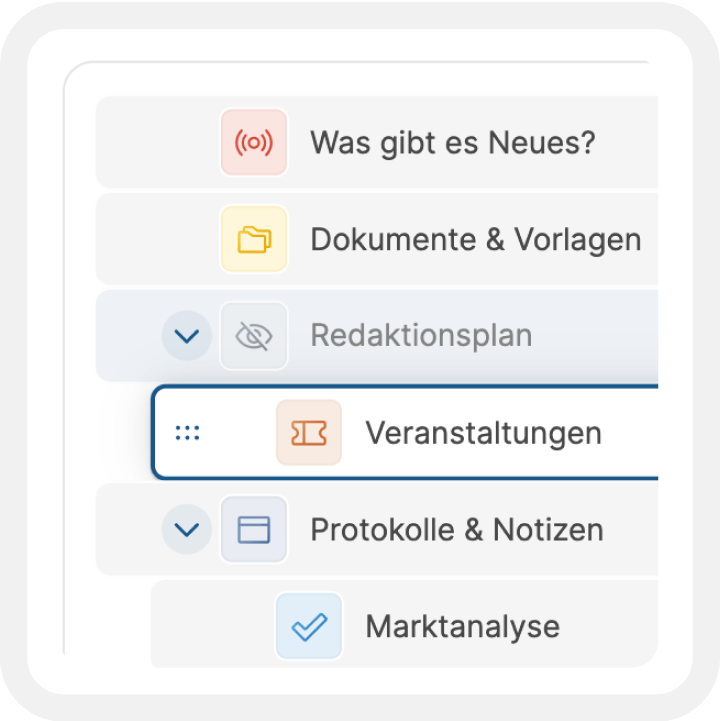
Pages can now be added directly via the navigation and no longer need to be created from the administration. In addition, the arrangement of the pages can now be quickly and easily reorganised using the settings modal.
More efficiency and overview for your department: The new department pages make creating, managing and organising content easier than ever.
Simple creation directly in the navigation, integrated modules of our page editor Pages and a unique look create the perfect platform for your departmental communication.
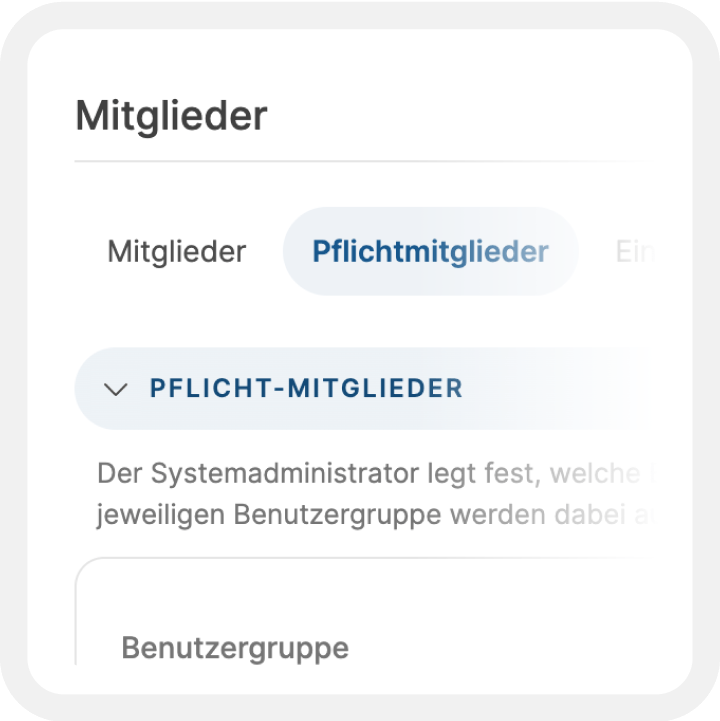
The revised presentation provides more visibility and structure. Department pages appear clearly demarcated, with highlighted key figures and a clear presentation of mandatory members and subscribers.
New pages can be added directly in the navigation - without any administration. Administrators keep an eye on user access and adjust authorisations immediately. Content can be reorganised quickly and easily via the settings window.
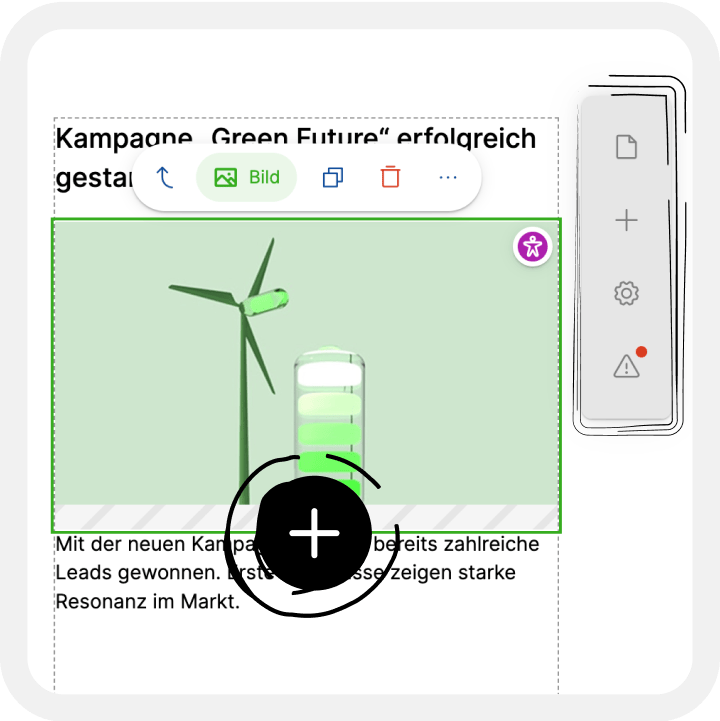
New page type with direct access to the Pages module. Content can be created quickly and easily. The integrated editor offers the most important functions directly on the page - for uncomplicated design.
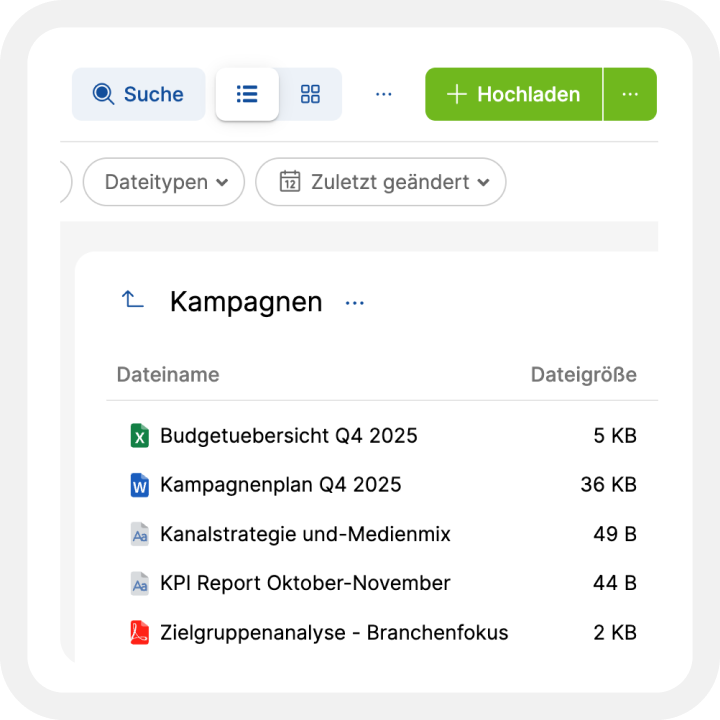
Our completely redesigned DMS offers an intuitive interface with an optimised user experience.
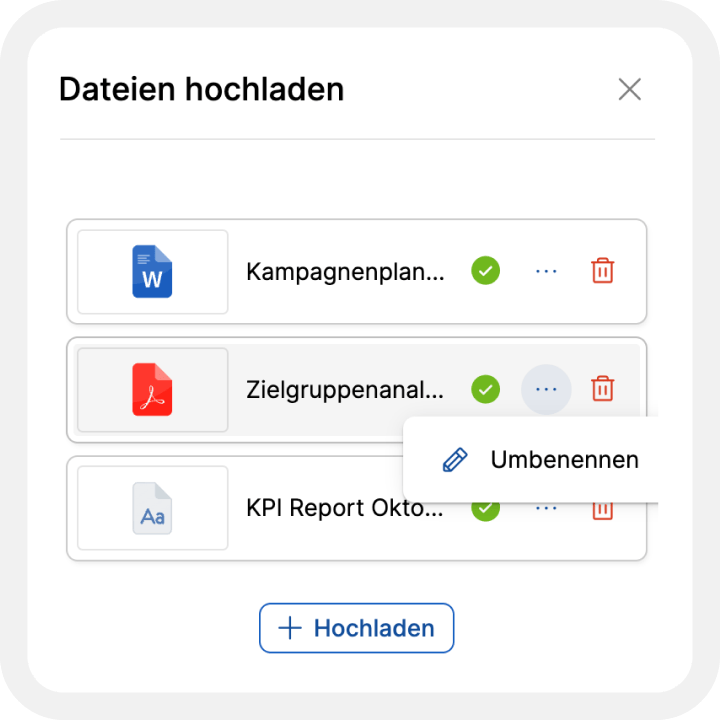
The improved upload solution and the new document preview enable maximum efficiency in everyday work.v
Stylish design with faster loading times. The folder bar can be displayed as needed, and practical views provide a clear overview. Move content easily with drag and drop – even across instances.
Seamless interaction with all file types. Images can be professionally zoomed, moved and rotated. PDFs are displayed without restrictions – with significantly improved performance.
Simply upload and edit files. Whether by drag & drop, clipboard or file selection – even large files are processed smoothly thanks to smart upload logic. Media can also be edited directly before saving.
Everything in one place – faster access, better organisation and smooth workflows for your content work.
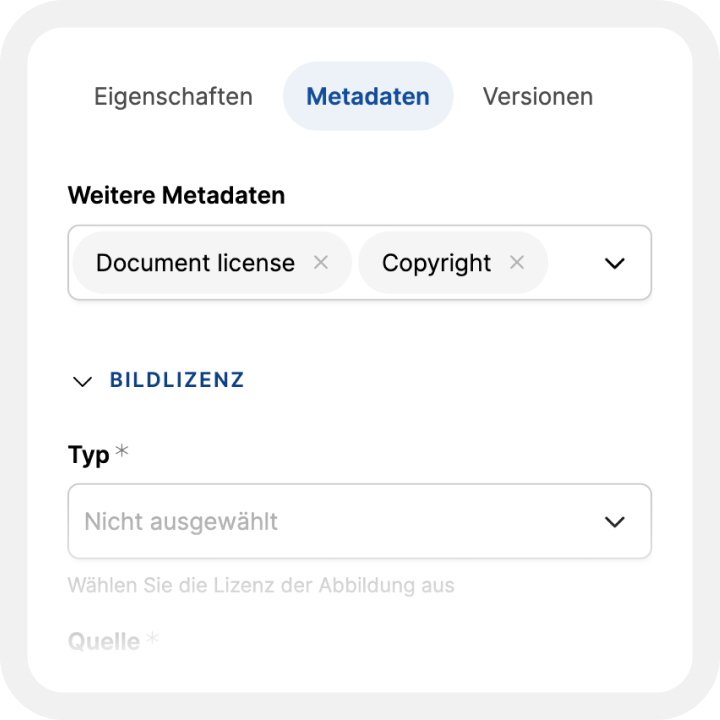
Direct editor access and intelligent metadata organisation create seamless workflows. Experience optimal workflows in one central location.
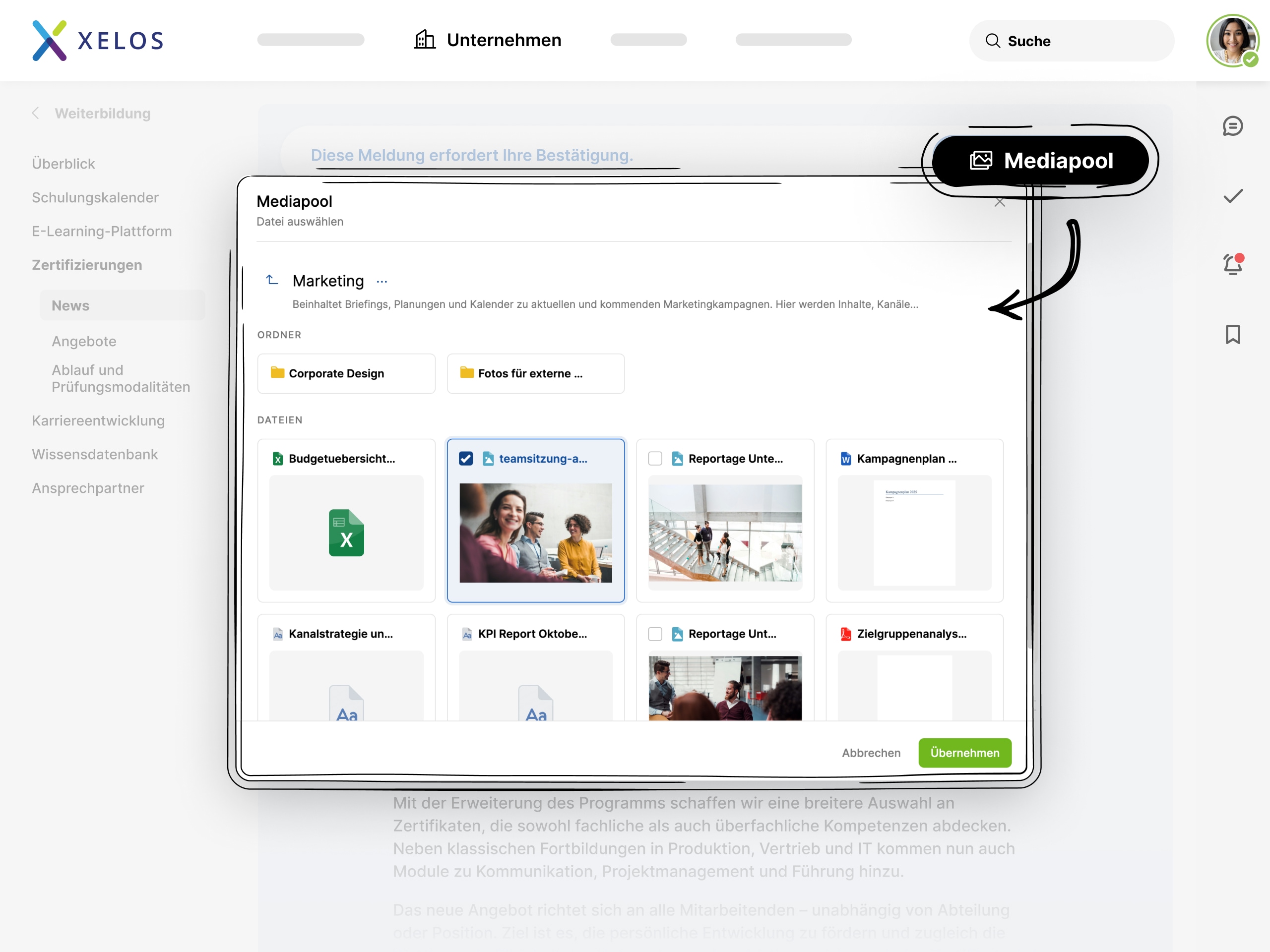
The new interface features an integrated dialogue box for XELOS and M365 files. Media is available directly from the pool – including a practical image cropping function. Large uploads? Now hassle-free and independent of infrastructure.
Images can be inserted directly from the media pool. Attachments are automatically added to posts. This keeps everything perfectly organised and traceable at all times.
With customisable fields, predefined media templates and seamless table integration, entering metadata is straightforward. Precise search functions ensure that content can be found quickly.
Reaching all employees is easier than ever with us. Now mandatory for many companies and public authorities, it is a real advantage for everyone else.
The accessibility statement has been structured more clearly and made more accessible so that all users can quickly find the relevant information.
An accessible tooltip component ensures that additional information is easily accessible and understandable, not only with the mouse.
Form fields are now clearly and understandably labelled to facilitate use with screen readers and keyboards.
Adjusted colour contrasts significantly improve readability and orientation for people with visual impairments.
Keyboard navigation has been improved so that users without a mouse can navigate content more efficiently.
Content and controls are now better adapted to screen readers, so that they are correctly recognised and read aloud.
XELOS keeps its finger on the pulse – continuously developed and with maximum security by design.
This includes a modernised cloud infrastructure, a unified UI, important NIS 2.0 improvements, new image conversion, Kubernetes support, and additional APIs and microservices.
In addition to our highlights for the new version, we have also continuously optimised existing functions, implemented improvements based on customer feedback and carried out technical updates.
As always, customers (and those aspiring to become part of our XELOS Community) can find all changes in our changelog.



Easy online webinar, including 30-day trial access